It is looking more and more like we will be using distance learning this next year in California. What is your state or district leaning towards? Are you nervous about going back into the classroom? Today I am going to talk to you about giving your students the power to guide their learning this year. I have used this system for a few years in my classroom, but it also seamlessly went into distance learning. I am going to share with you exactly how you can implement this idea into your physical or virtual classroom.
Twice a week my students have a designated time called POP time. This stands for Proof of Proficiency. My students use their data to drive what standards they need to continue to work on. While students are working on their POP’s, I am also working with small groups that need to focus on specific skills. I did this whole process in the classroom, but it can also be done during distance learning. The students can work on this independently. This can even be used instead of the math curriculum during distance learning. Ok, so let's jump right into the meat of the topic!

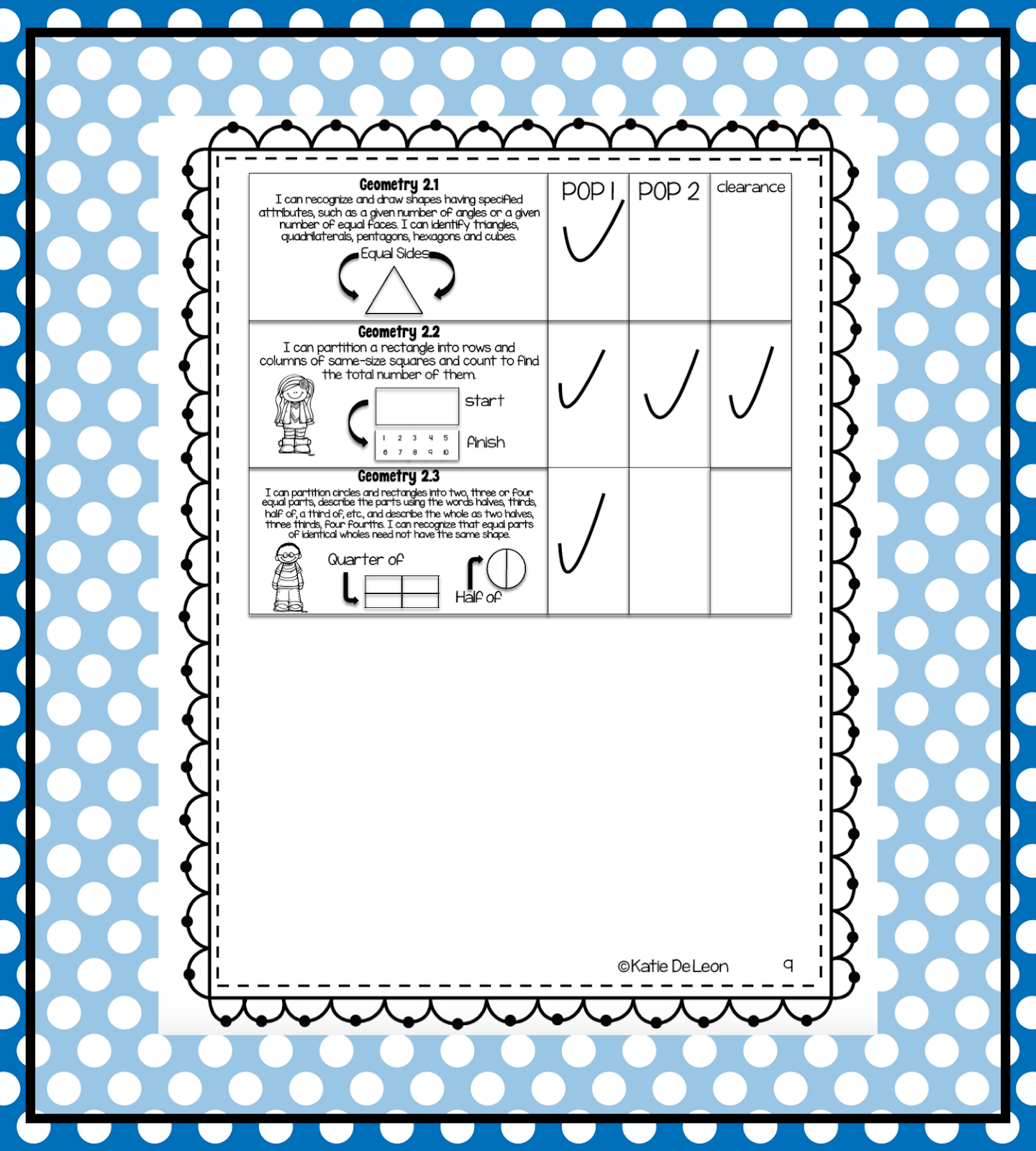
The first thing to think about is how are you going to have your students look at their data. I use a data folder. It includes every standard for the subject in that grade level. When the students get an assignment back for each standard that is an 80% or higher, they put a checkmark on the standard. When the student gets two POP’s, they bring their folder to me and I check off that they have mastered the standard. At the start of POP time each day, the students open their data folder and choose a standard that does not have two checks yet. This is all done with student choice. The thing I love about student choice is that it creates buy-in with the students. They love getting to choose and having a say in what they are going to work on.

Now that the students have chosen the standard that they are going to work on, they go to the class POP chart in their Google Classroom. This is a document with links that I share with the class. I embed the links right into the picture of the video or the activity. The document has three to four columns. The first column is just the standard written out. The next column has a video re-teaching the standard for the students. Sometimes I use a video that is already created, like Khan Academy, or if I am not able to find what I want, I will create a video of the content myself using a screencast program. The students are able to watch the video as many times as they need. I love that they can go back and refresh their minds when they get stuck. The third column has an activity for the students to practice, and if I use a fourth column, I embed a Google Forms quiz for the students to take. I don’t always use the last column because sometimes it is best if I assign the quiz when they are ready. It also lets me monitor how long they were practicing the skill, as well as how they were doing on the practice.
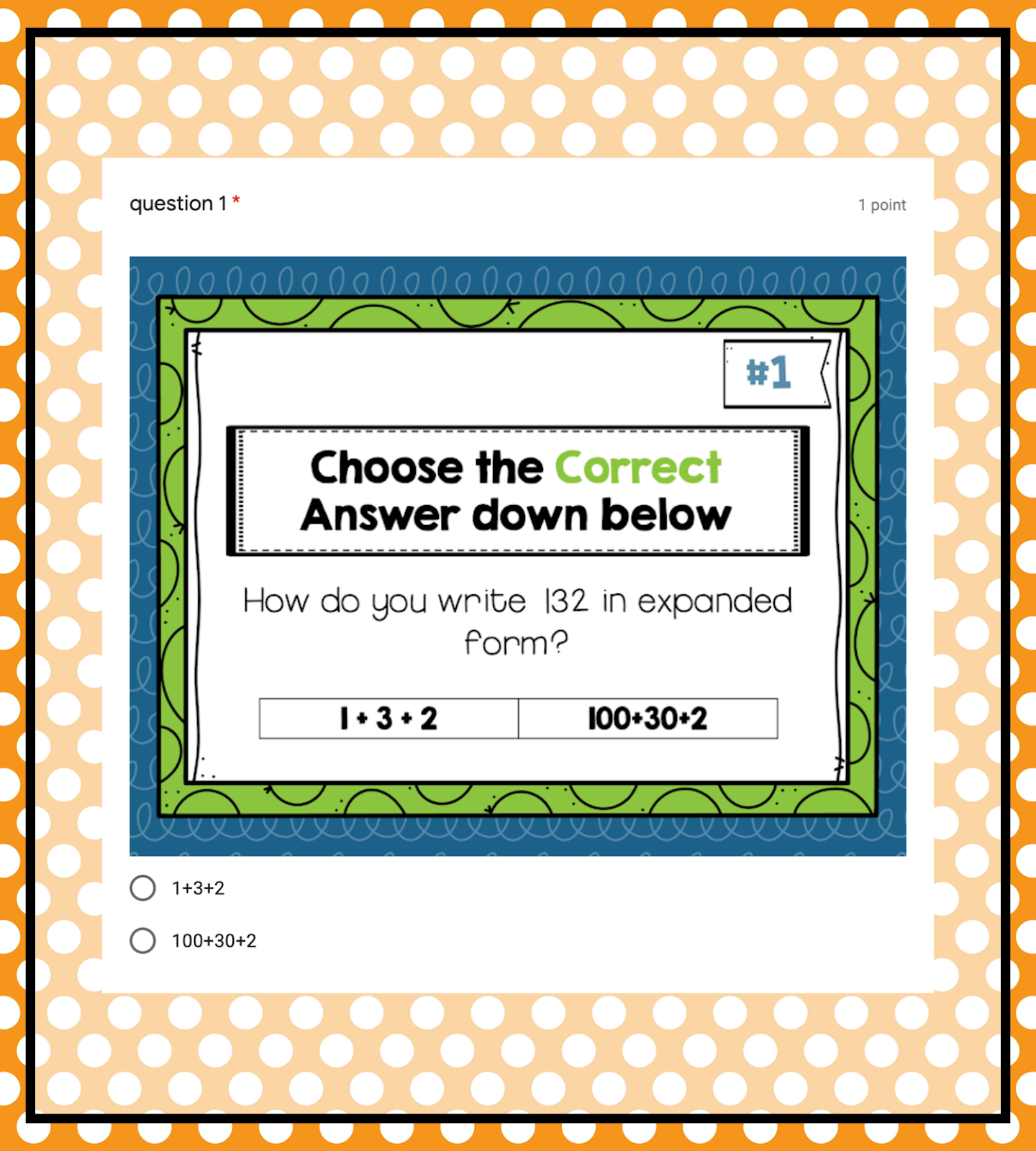
After the students have watched the video and feel like they are understanding the standard they are working on, they start to practice the standard. I do this in a few different ways. Sometimes I find a game that does a great job of explaining the content, sometimes I use practice that is already created, like from Khan Academy or Zearn, and sometimes I create the content myself. There are even times that a standard is challenging for the students and I will include two or three different activities to make sure the students have had plenty of practice with the standard. There are many times that the students will stop what they are doing and rewatch a video to make sure they are doing the standard correctly.

The final section of the POP chart is the quiz. The students can choose when they want to take the quiz for the standard they are working on. When they feel they have practiced and know how to do the standard, they can click on the quiz on their own or the teacher can assign it to them in Google Classroom. I love that Google Classroom lets you assign things to small groups of students. I have three different versions of the quiz based on the level of the students. Level A is for my high students, level B is for the average students, and level C is for the low students. I can always assign different quizzes based on if students need to take the quiz a second or third time. The order of the questions in forms can also be changed around so the students are not just memorizing the questions. If I see that a student is starting to really understand the standard they are working on, I can move them up to different quizzes.

Now that the students have taken the quiz, they can immediately see their score. This is one thing that I love about Google Forms. The creator can include the answers so the students can get instant feedback on how they did. Once they click on “View Score,” they can see what their score was. Also if the teacher is using a Google Gradebook, the score feeds right into the grade book. There is no having to input grades after the assignments have been completed. So this saves tons of time for the teacher also!

If the students got any of the questions wrong, they can immediately see what they got wrong. They can also use that information to check their work and see if it was a simple mistake, or if it was something they didn’t understand. If they got a three or four on the quiz, they have passed the standard and can move onto a new standard. If they did not pass, they can go back and do more practice and then take the quiz again. This is where giving a different quiz comes into play.
Using POP charts is a great way for students to practice and master their standards. I love seeing the students take ownership of their learning. Is this something that you are going to try in your classroom? Is there anything that you are not sure how to do to implement into your classroom? How can I continue to help you? Thank you for stopping in, and have a great day!